枯瑟信仰:放逐者|Bleak Faith: Forsaken|Build.18001626|中文汉化|容量14.1G插图咸鱼单机官网

关于此游戏

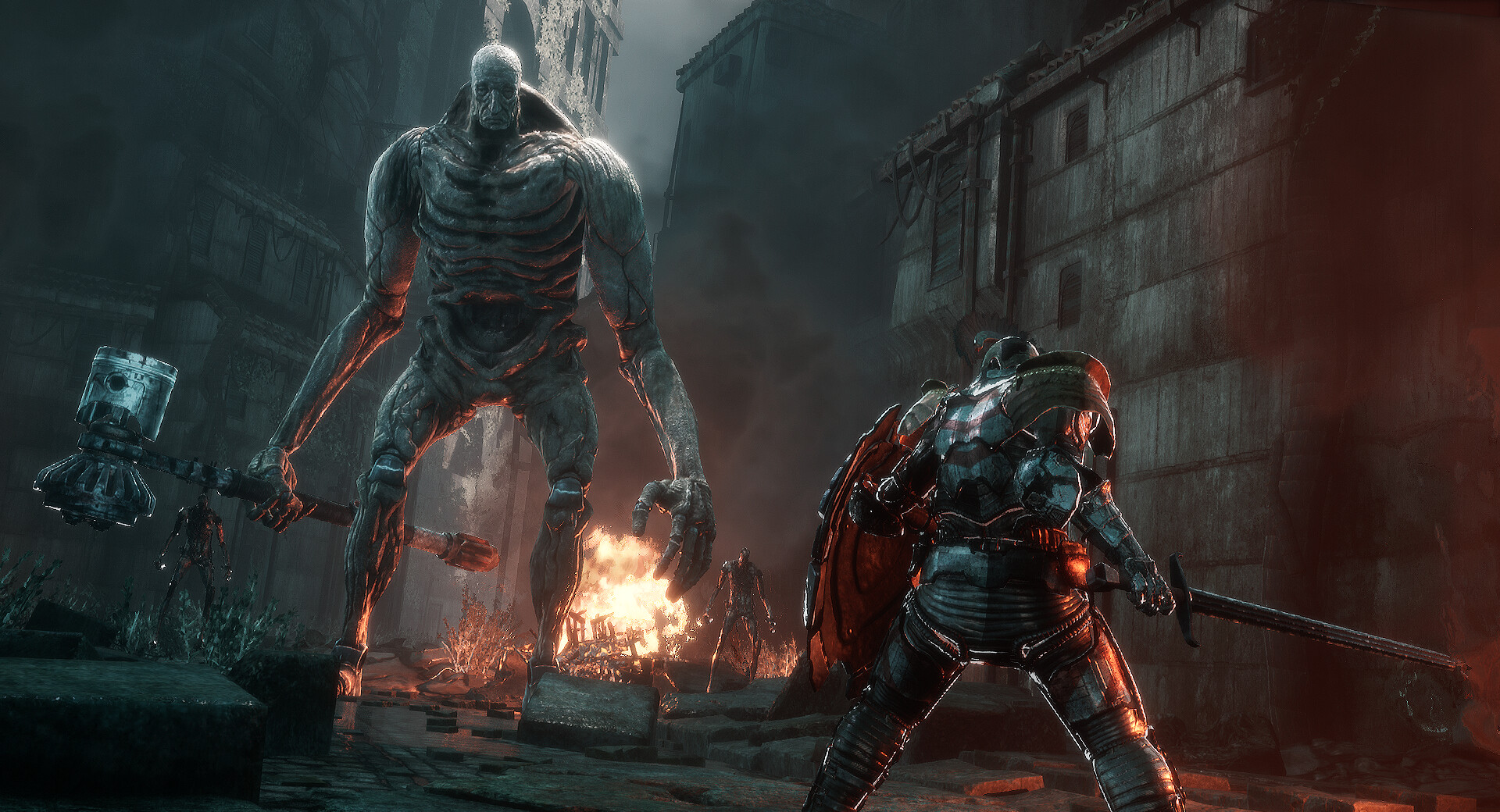
Explore the last remnants of civilization in this vast, unforgiving, and interconnected world. Learn what is left of its history. Discover pockets of civilization in the perpetually expanding Omnistructure. Lose yourself in a journey unlike any other.

Open World and Exploration

Explore the Omnistructure for the first time ever. Rich in atmosphere and rife with danger, be prepared to be immersed in a new world unlike any you’ve experienced before. Not every path is paved and catered to you, so be prepared to run, climb, leap, to ascend in Bleak Faith.

Hardcore Combat Experience

Combat is dangerous and will push you to your limits. Positioning, timing, and resource-management are all things you must keep in mind at all times. Expect to be challenged.

Epic Boss Fights

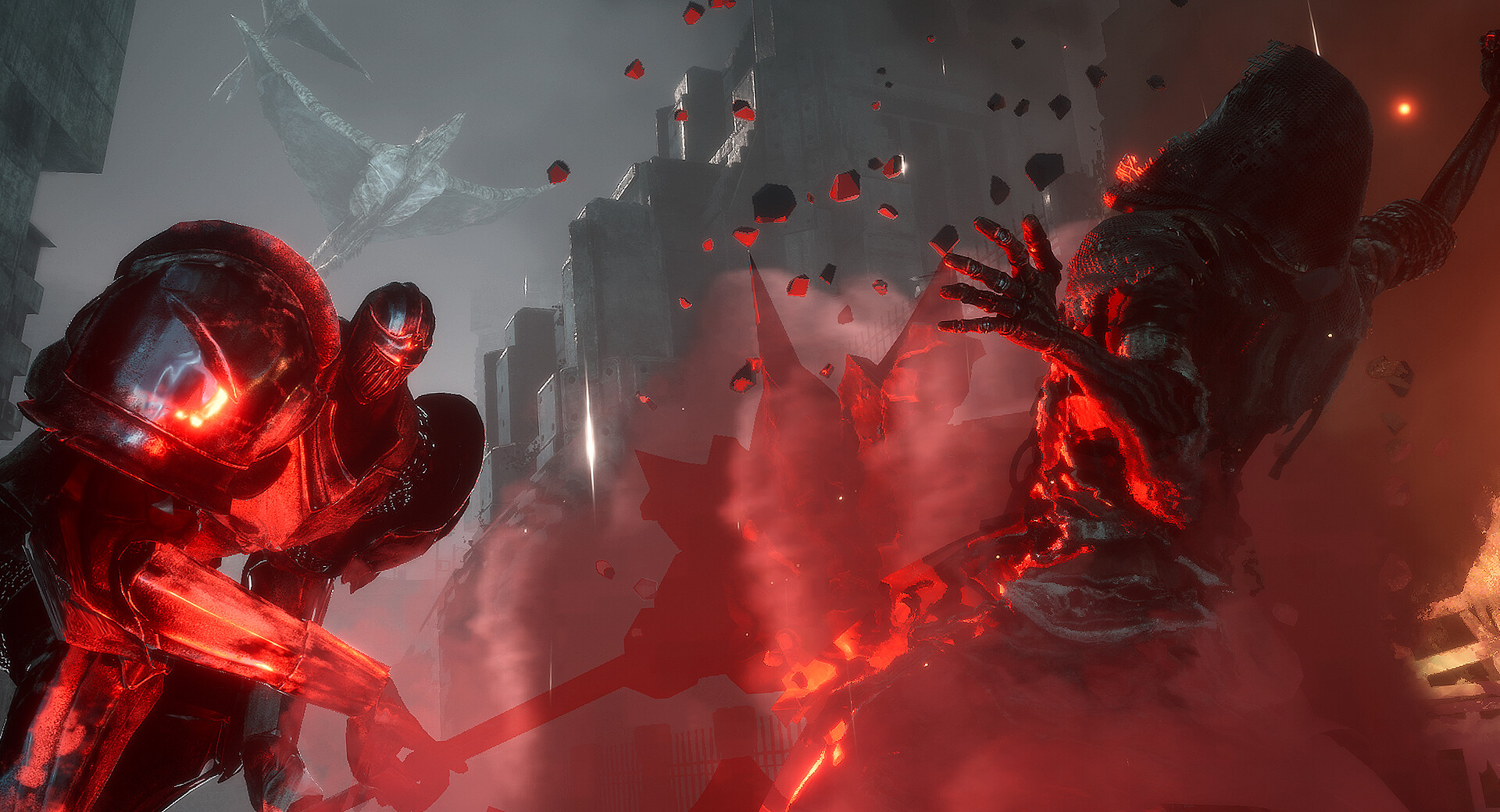
Be prepared for memorable boss fights with unique soundtracks. Bosses ramp the danger levels even higher and ensure a thrilling ride through the manifold sectors of the Omnistructure.

RPG Progression and Playstyle Versatility

Choose a class and progress into your perfect playstyle. But remember, not every choice is reversible, so decide wisely what direction you take your character in.

成人内容描述

开发者对内容描述如下:

This Game may contain content not appropriate for all ages, or may not be appropriate for viewing at work: Frequent Violence

系统需求

最低配置:

    • 操作系统 *: Win 7
    • 处理器: Intel Core i3-6100 / AMD FX-6300 or equivalent
    • 内存: 8 GB RAM
    • 显卡: GeForce GTX 750 Ti / AMD R7 265 or equivalent
    • DirectX 版本: 11
    • 存储空间: 需要 20 GB 可用空间
    • 附注事项: System Requirements Inaccurate Until Further Updates
推荐配置:

    • 操作系统: Win 10
    • 处理器: Intel Core i7-4770k / AMD Ryzen 5 1600 or equivalent
    • 内存: 16 GB RAM
    • 显卡: GeForce GTX 1070 / AMD RX VEGA 56 or equivalent
    • DirectX 版本: 12
    • 存储空间: 需要 20 GB 可用空间
    • 附注事项: System Requirements Inaccurate Until Further Updates
截图 #0

截图 #1

截图 #2

发表回复

后才能评论

咸鱼单机推出白嫖者计划,签到或者推广即可领取永久赞助!点击查看

本站采用邮箱注册,注册异常因为用户名太短或者id重复,建议您使用英文加数字,若还是不行请联系反馈点击查看

请根据步骤认真操作,保证你速成大神:点击查看教程

请根据步骤认真操作,上方有教学视频:点击查看教程

链接失效很正常,有些资源容易和谐,别着急。请您在资源下评论回复,看到马上补。

设置中文方法、 一般游戏都会进入提示选择,或者在option选项里language选项可以选择。 如都没有这些选项,可在游戏目录里的steam_api.ini 里的language选项里改为schinese即可。 如没有steam_api.ini,可能以命名破解小组名字为开头的例如codex.ini / cpy.ini 等,以此类推。 如还不行,部分Goldberg的游戏,一般是在游戏文件夹下的language.txt里改为schinese,亦或是需要在 C:\Users\用户名\AppData\Roaming\Goldberg SteamEmu Saves\settings 下的language.txt,打开它,然后输入schinese

为什么0凌晨过了第二天还没重置?站点时区和国内不同,下次次数重置时间一般为凌晨的3点。

如果您已经成功付款但是网站没有成为赞助会员,请联系客服提供付款信息为您处理。点击查看

源码属于虚拟商品,具有可复制性,可传播性,一旦授予,不接受任何形式的退款、换货要求。请您在购买获取之前确认好 是您所需要的资源

别着急在这里留言,我们将为您从网友投稿中为您查找您想要的游戏点击查看