
关于此游戏
Storyline
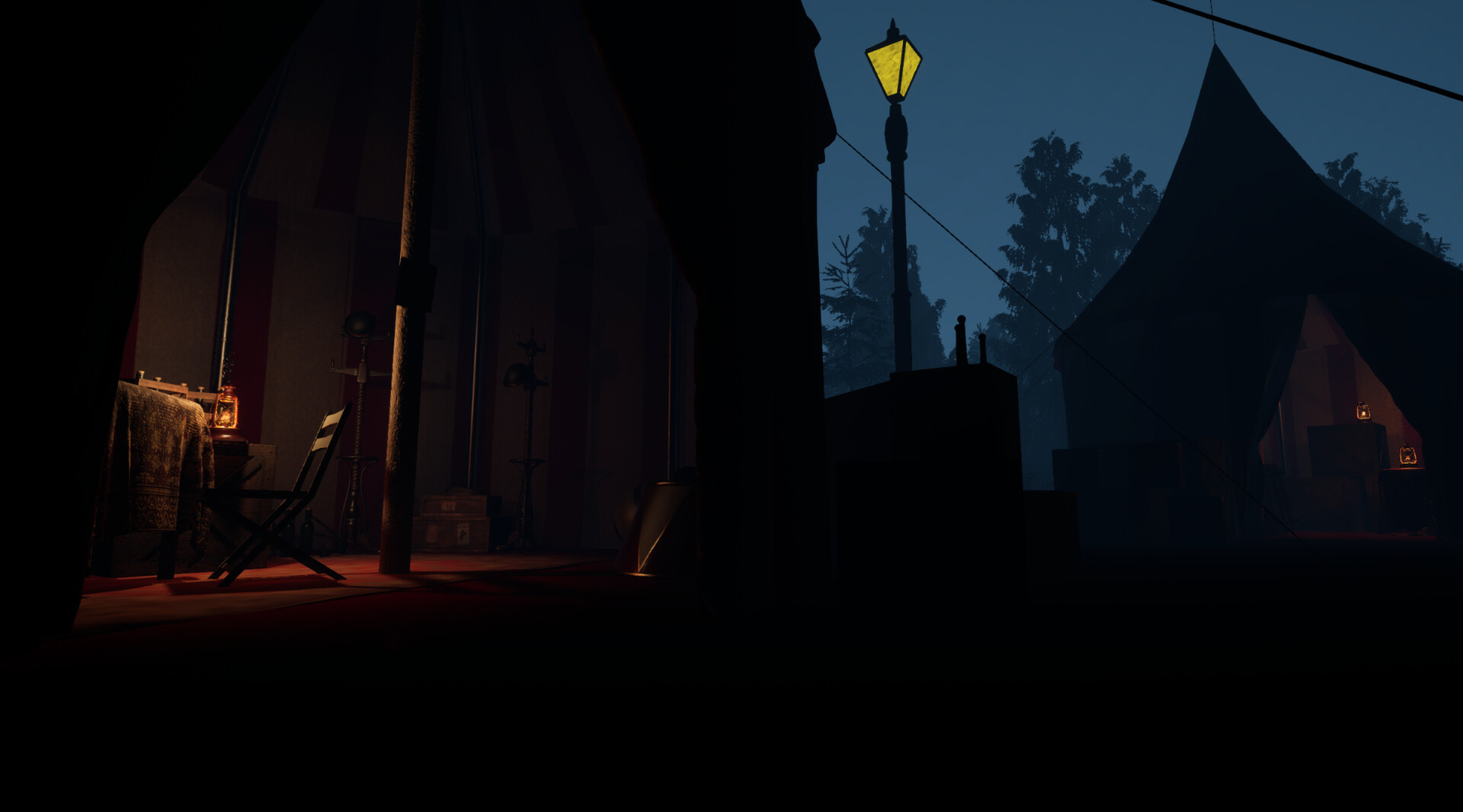
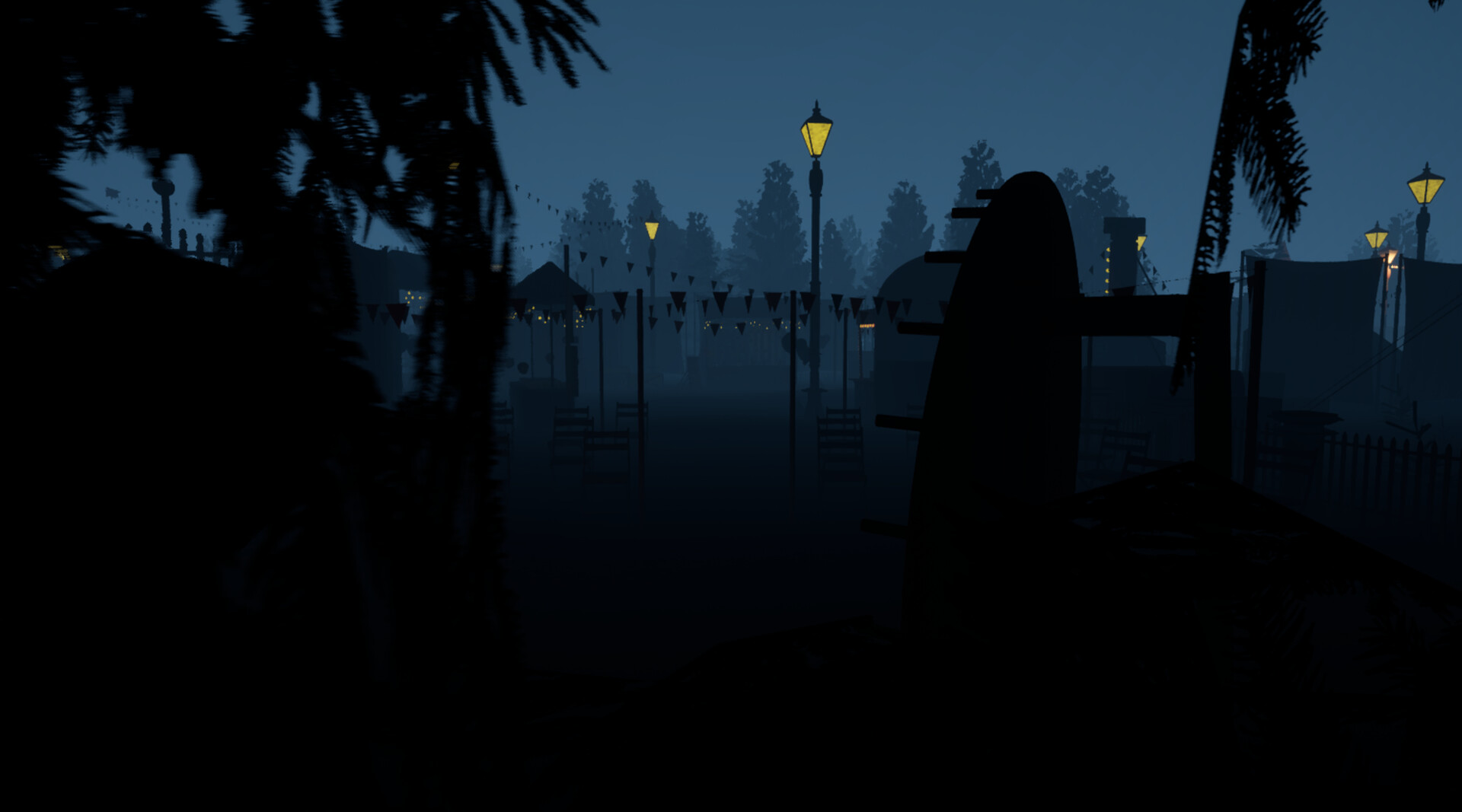
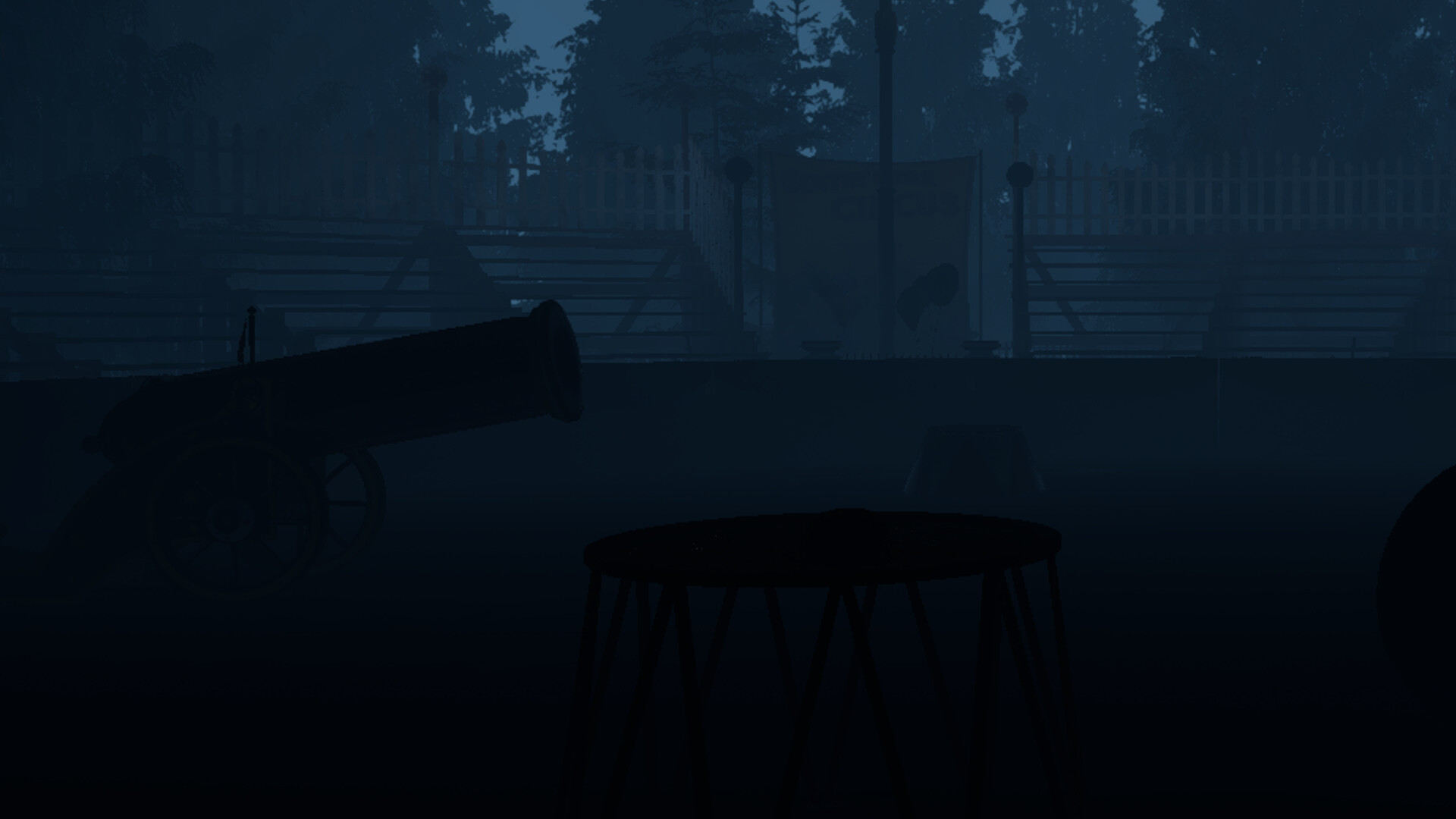
You are hired to return to an abandoned circus shortly after it was shut down. Your task is simple: remove any evidence that could raise questions before investigators arrive. As you move through the empty tents and restricted areas, you begin to uncover signs that something went wrong. Objects left behind, locked sections of the circus, and scattered clues start to paint a picture you weren’t meant to see. It quickly becomes clear that you are not alone. Someone is still inside the circus… and they know you’re there.
Gameplay
The Incident is a first-person horror experience focused on exploration and environmental storytelling. Players will search the circus for evidence, interact with objects, and navigate through different areas to complete their objective. Gameplay revolves around exploring, collecting and destroying evidence, and avoiding the presence that remains within the circus. The game emphasizes atmosphere, building tension through sound, environment, and pacing rather than constant action. The experience is designed to be short and focused, with an estimated playtime of around 20–40 minutes.
成人内容描述
开发者对内容描述如下:
This game contains depictions of violence, disturbing imagery, and themes involving crime and disappearance. Players may encounter blood, corpses, and tense situations throughout the experience. The game is designed to create a psychological horror atmosphere that may be unsettling for some players.
系统需求
-
- 操作系统: Windows 10
- 处理器: Intel Core i3-2100 / AMD FX-4300
- 内存: 4 GB RAM
- 显卡: Intel HD 4000 / AMD Radeon R5
- DirectX 版本: 11
- 存储空间: 需要 5 GB 可用空间
- 声卡: DirectX-compatible sound card
- 支持 VR: None