
关于此游戏
Description
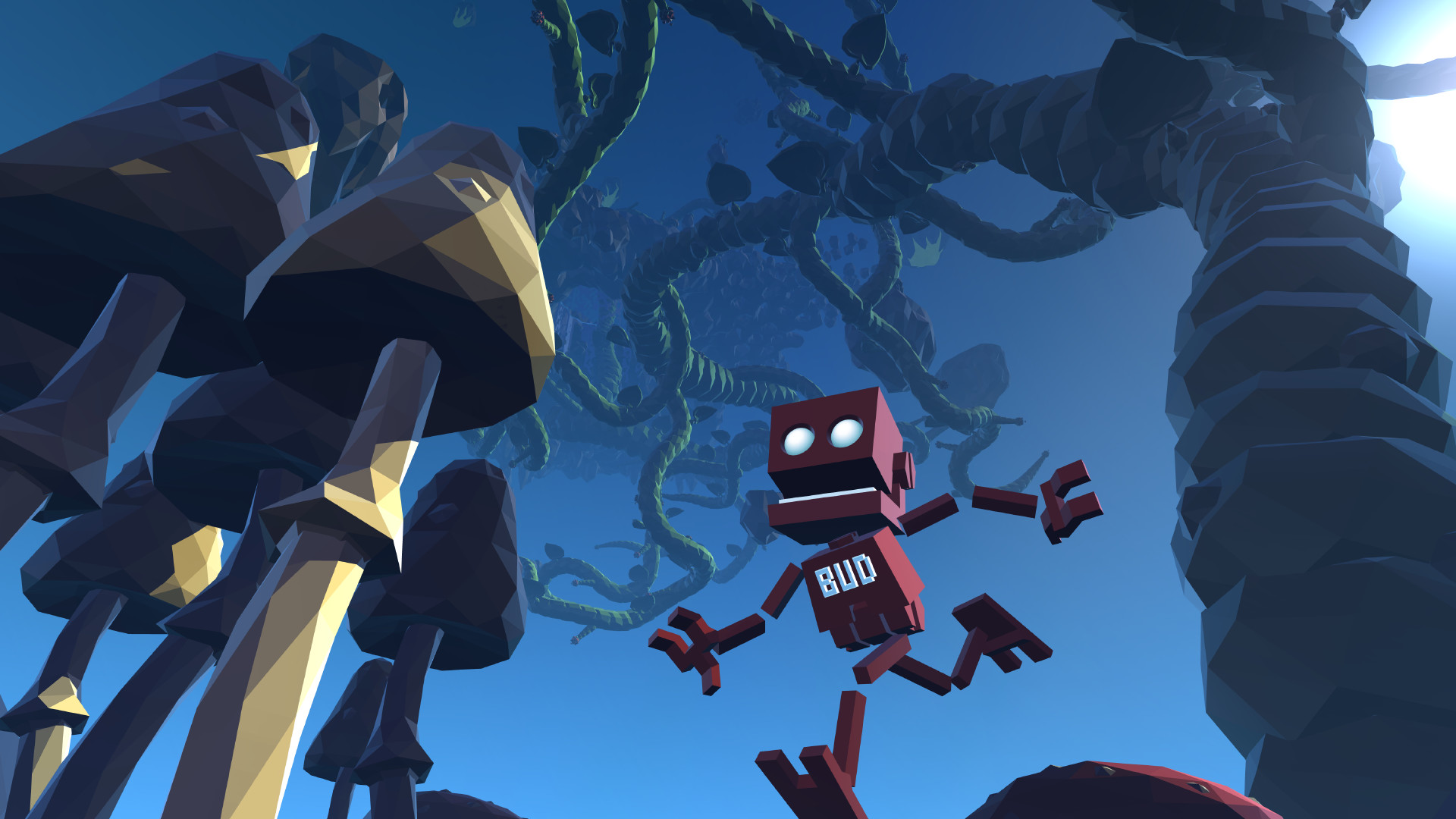
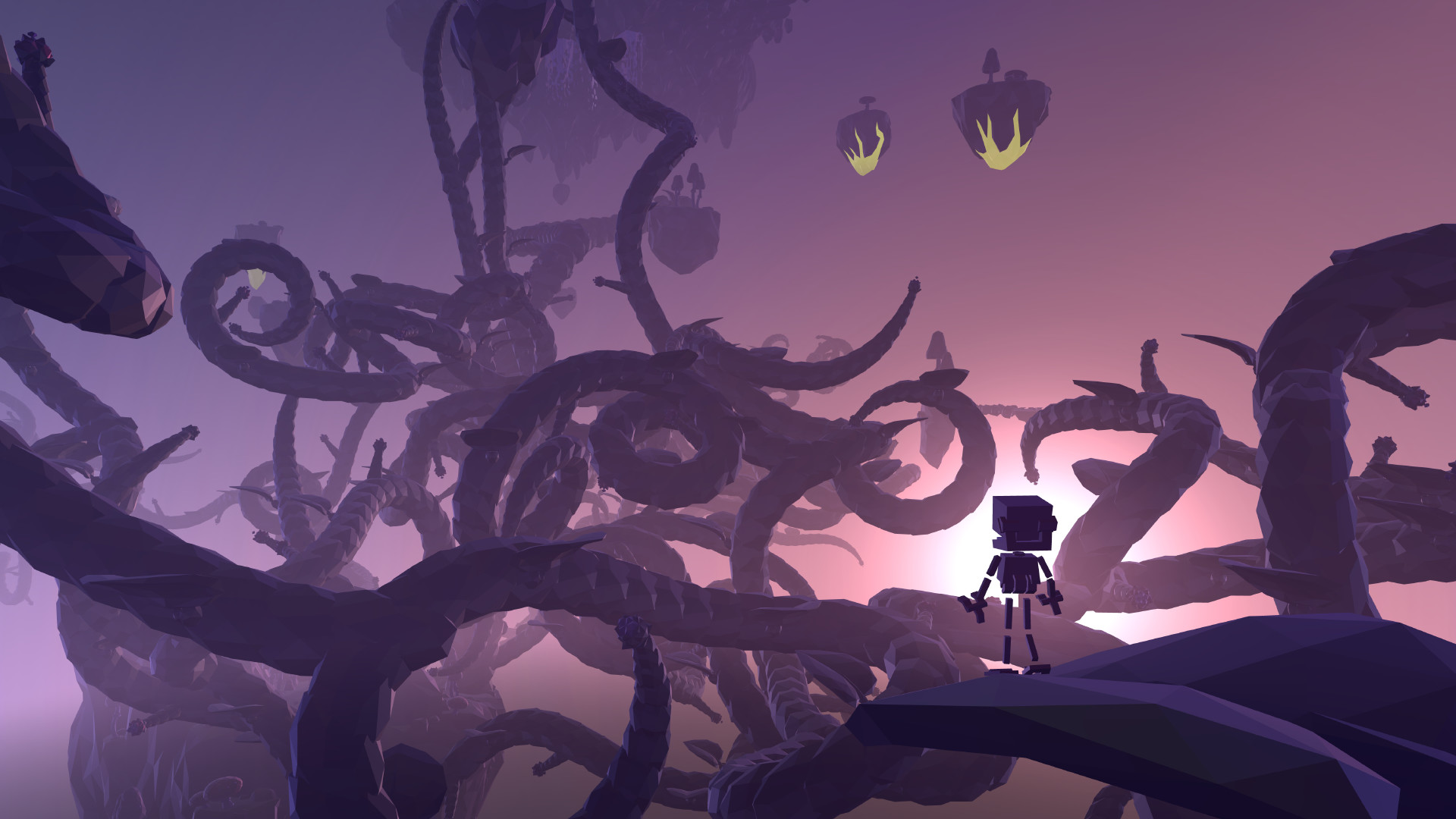
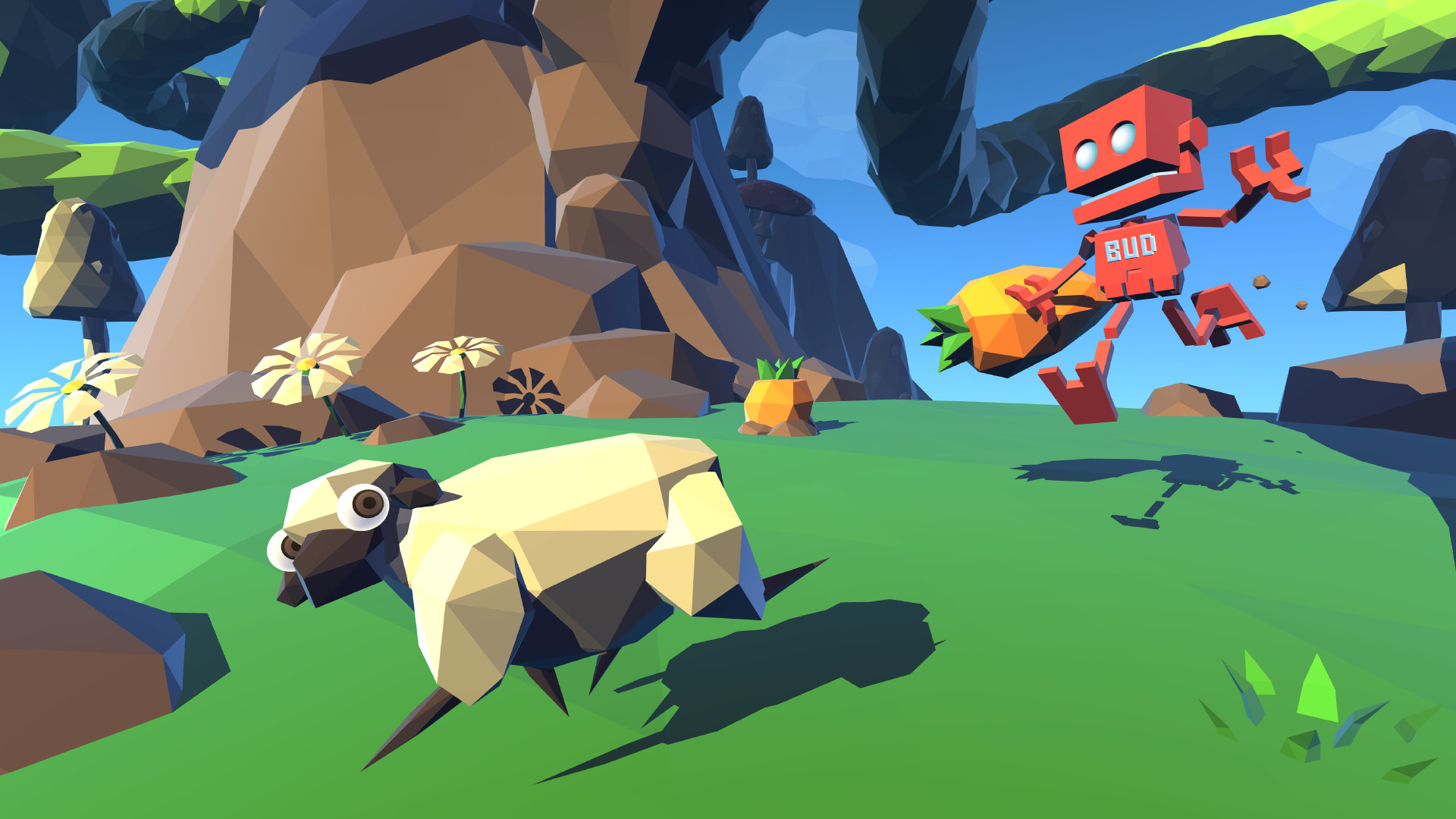
In Grow Home you play as BUD (Botanical Utility Droid), a robot on a mission to save his home planet by harvesting the seeds of a giant alien plant. On his quest BUD will discover a beautiful world of floating islands that are home to some rather strange plants and animals.
Grow the giant plant and use your unique climbing abilities to reach ever higher ground, but be careful…one wrong move and it’s a long way down!
Key Features
Climbing: Procedural animation allows you to move BUD’s hands independently, creating a unique and unrestricted climbing experience.
Growing: Guide and ride the giant alien plant as you create your own pathways in the sky. Everything you grow can be climbed on. Use it as a bridge, a safety net, or simply as a tool for artistic expression.
Exploration: Explore every nook and cranny of the alien world as you hunt and collect crystals that can enhance BUD’s abilities. It’s a physical playground and many of the alien plants have unusual properties that can help you on your quest.
系统需求
-
- 操作系统: Windows 10 (64-bit)
- 处理器: Intel Core2Duo E7300 @ 2.5 GHz or AMD Athlon II X2 240 @ 2.8 GHz
- 内存: 2 GB RAM
- 显卡: nVidia GeForce GTS 450 or AMD Radeon HD5670 (1024MB VRAM)
- DirectX 版本: 9.0c
- 存储空间: 需要 1 GB 可用空间
- 声卡: DirectX Compatible Sound Card with latest drivers
- 附注事项: Best played with a gamepad. originally released for Windows 7, the game can be played on Windows 10 and Windows 11 OS
-
- 操作系统: Windows 10 (64-bit)
- 处理器: Intel Core i3 550 @ 3.0 GHz or AMD Phenom II X4 955 @ 3.2 GHz
- 内存: 4 GB RAM
- 显卡: nVidia GeForce GTX560Ti or AMD Radeon HD6870 (1024MB VRAM)
- 存储空间: 需要 1 GB 可用空间
- 声卡: DirectX Compatible Sound Card with latest drivers
- 附注事项: Best played with a gamepad. originally released for Windows 7, the game can be played on Windows 10 and Windows 11 OS