
温室:整理收纳!|Greenhouse: Tidy Up!|官方英文|支持手柄|容量736M插图咸鱼单机官网

关于此游戏

【Cozy Greenhouse Organization Simulator】

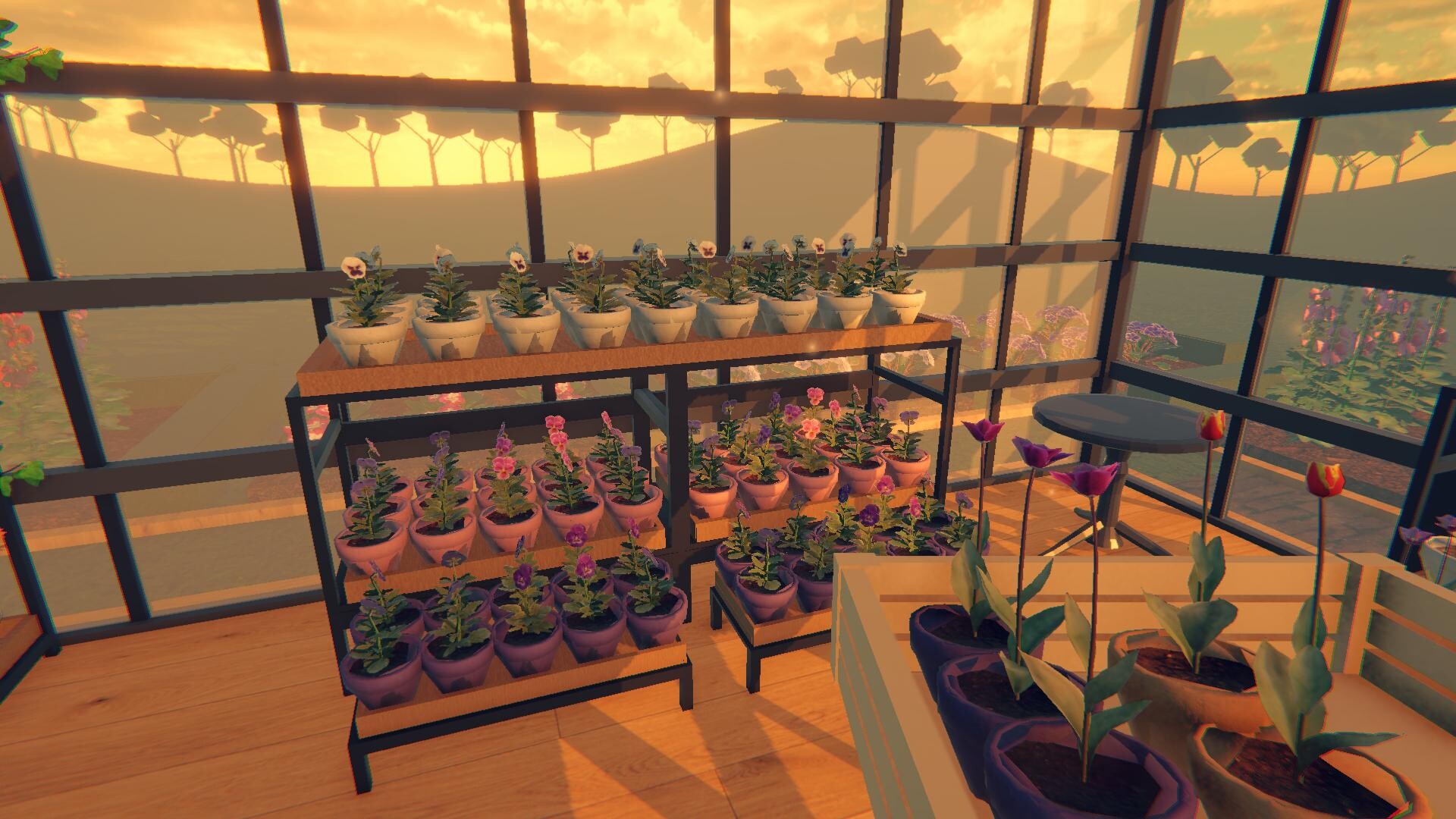
You bought an abandoned greenhouse.

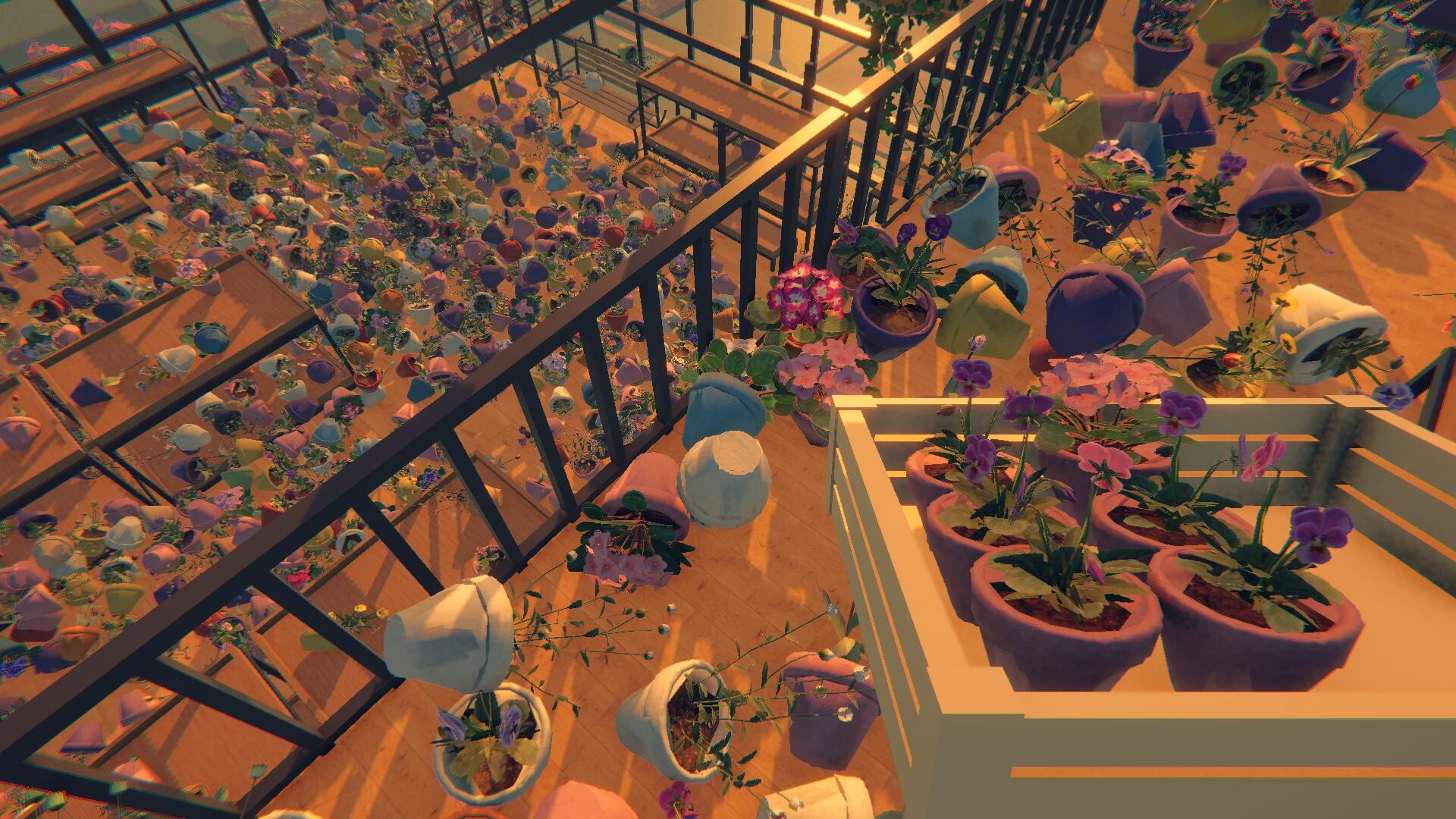
Sort and arrange 2597 flowers and plants, put everything in its proper place, and turn the neglected greenhouse into the garden of your dreams.

【Bring the Greenhouse Back to Life】

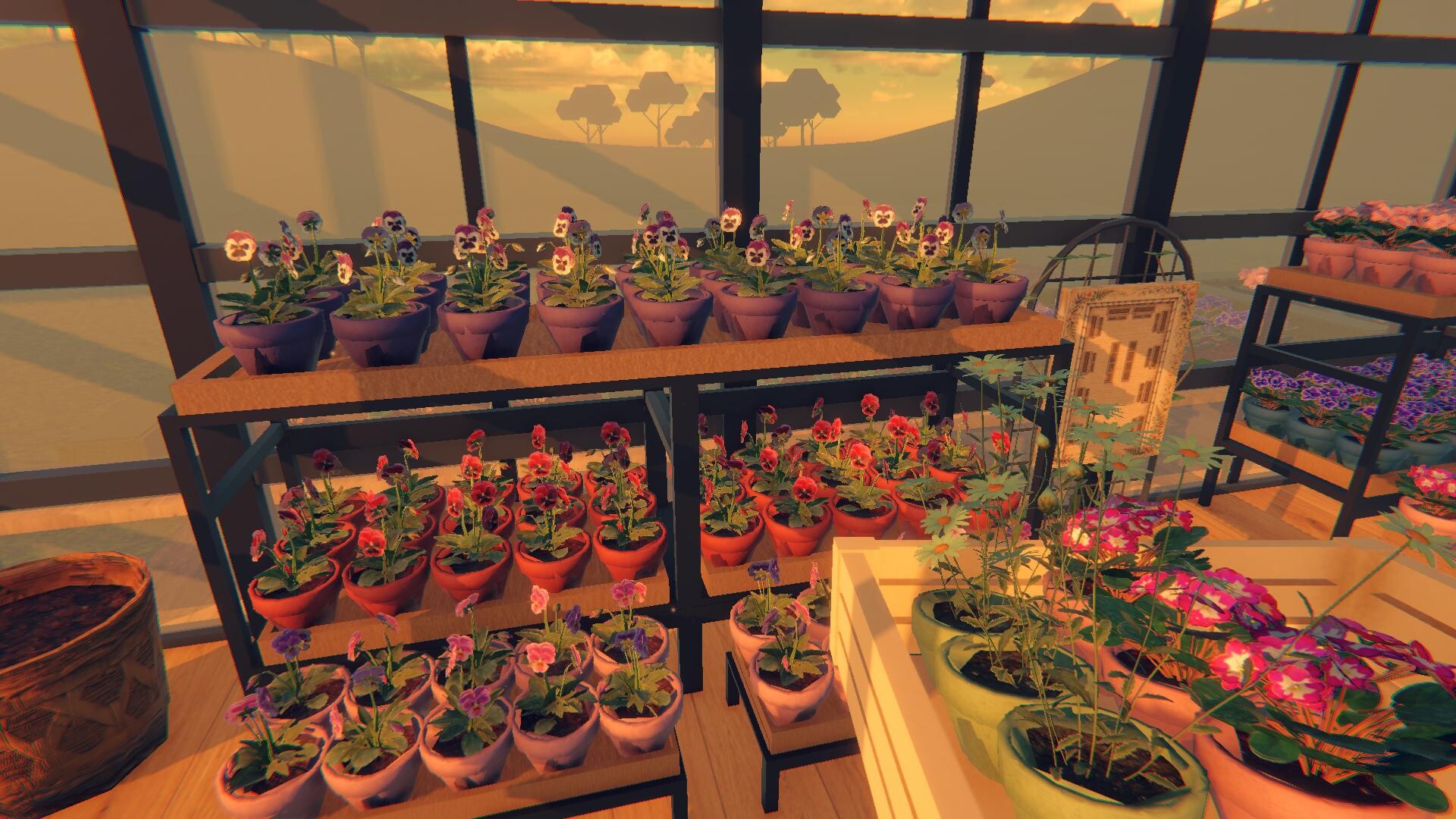
  • Sort & Organize: From colorful flowers to all kinds of plants, use their names, colors, species, and other clues to figure out where each one belongs.

  • A Greenhouse Full of Plants: What looks overwhelming at first slowly starts to come together. Organize every flower and plant, fill the empty spaces, and watch the greenhouse take shape piece by piece.

【Make the Greenhouse Yours】

  • Clean Up the Mess: The greenhouse has seen better days. Pick up scattered pots and plants, sort everything out, and slowly turn the neglected space into a cozy, organized greenhouse.

  • Organize Your Way: Decide how you want to tackle the greenhouse. Find the route and rhythm that work best for you as you carry, sort, and arrange your plants.

  • Compete for the Top Spot: Found the fastest way to organize everything? Compare your best time with other players and climb the online leaderboard.

【Helpful Skills】

As you progress, you’ll unlock skills that make organizing the greenhouse easier and faster.

  • Gather: Quickly bring matching flowers or plants directly to you, saving you the trouble of searching around the greenhouse.

  • Spotlight: Highlights matching plants, making them much easier to find among all the pots and flowers.

  • Auto-Place: Automatically places the plants you’re carrying into their correct spots, helping you organize the greenhouse even faster.

系统需求

最低配置:

    • 操作系统: 64-bit Windows 10
    • 处理器: Intel Core i7-4790k / AMD Ryzen 5 1500X
    • 内存: 8 MB RAM
    • 显卡: NVIDIA GeForce GTX 980 Ti 6GB / AMD Radeon RX 6500XT
    • DirectX 版本: 12
    • 存储空间: 需要 2 GB 可用空间
推荐配置:

    • 操作系统: 64-bit Windows 11
    • 处理器: Intel Core i7-8700 / AMD Ryzen 5 3600
    • 内存: 16 GB RAM
    • 显卡: NVIDIA GeForce GTX 1080 / AMD Radeon RX 5700 XT
    • DirectX 版本: 12
    • 存储空间: 需要 2 GB 可用空间

截图 #0

截图 #1

截图 #2

发表回复

后才能评论

咸鱼单机推出白嫖者计划,签到或者推广即可领取永久赞助!点击查看

本站采用邮箱注册,注册异常因为用户名太短或者id重复,建议您使用英文加数字,若还是不行请联系反馈点击查看

请根据步骤认真操作,保证你速成大神:点击查看教程

请根据步骤认真操作,上方有教学视频:点击查看教程

链接失效很正常,有些资源容易和谐,别着急。请您在资源下评论回复,看到马上补。

设置中文方法、 一般游戏都会进入提示选择,或者在option选项里language选项可以选择。 如都没有这些选项,可在游戏目录里的steam_api.ini 里的language选项里改为schinese即可。 如没有steam_api.ini,可能以命名破解小组名字为开头的例如codex.ini / cpy.ini 等,以此类推。 如还不行,部分Goldberg的游戏,一般是在游戏文件夹下的language.txt里改为schinese,亦或是需要在 C:\Users\用户名\AppData\Roaming\Goldberg SteamEmu Saves\settings 下的language.txt,打开它,然后输入schinese

为什么0凌晨过了第二天还没重置?站点时区和国内不同,下次次数重置时间一般为凌晨的3点。

如果您已经成功付款但是网站没有成为赞助会员,请联系客服提供付款信息为您处理。点击查看

源码属于虚拟商品,具有可复制性,可传播性,一旦授予,不接受任何形式的退款、换货要求。请您在购买获取之前确认好 是您所需要的资源

别着急在这里留言,我们将为您从网友投稿中为您查找您想要的游戏点击查看