
关于此游戏
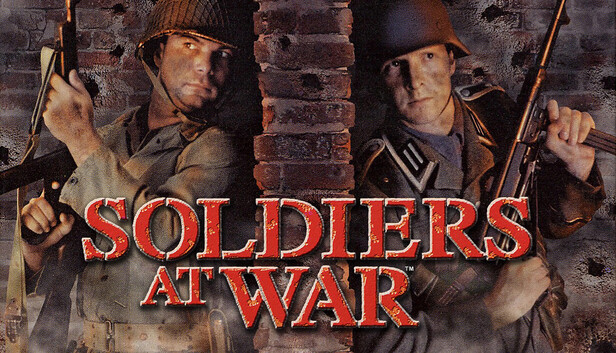
WORLD WAR II TACTICAL COMBAT
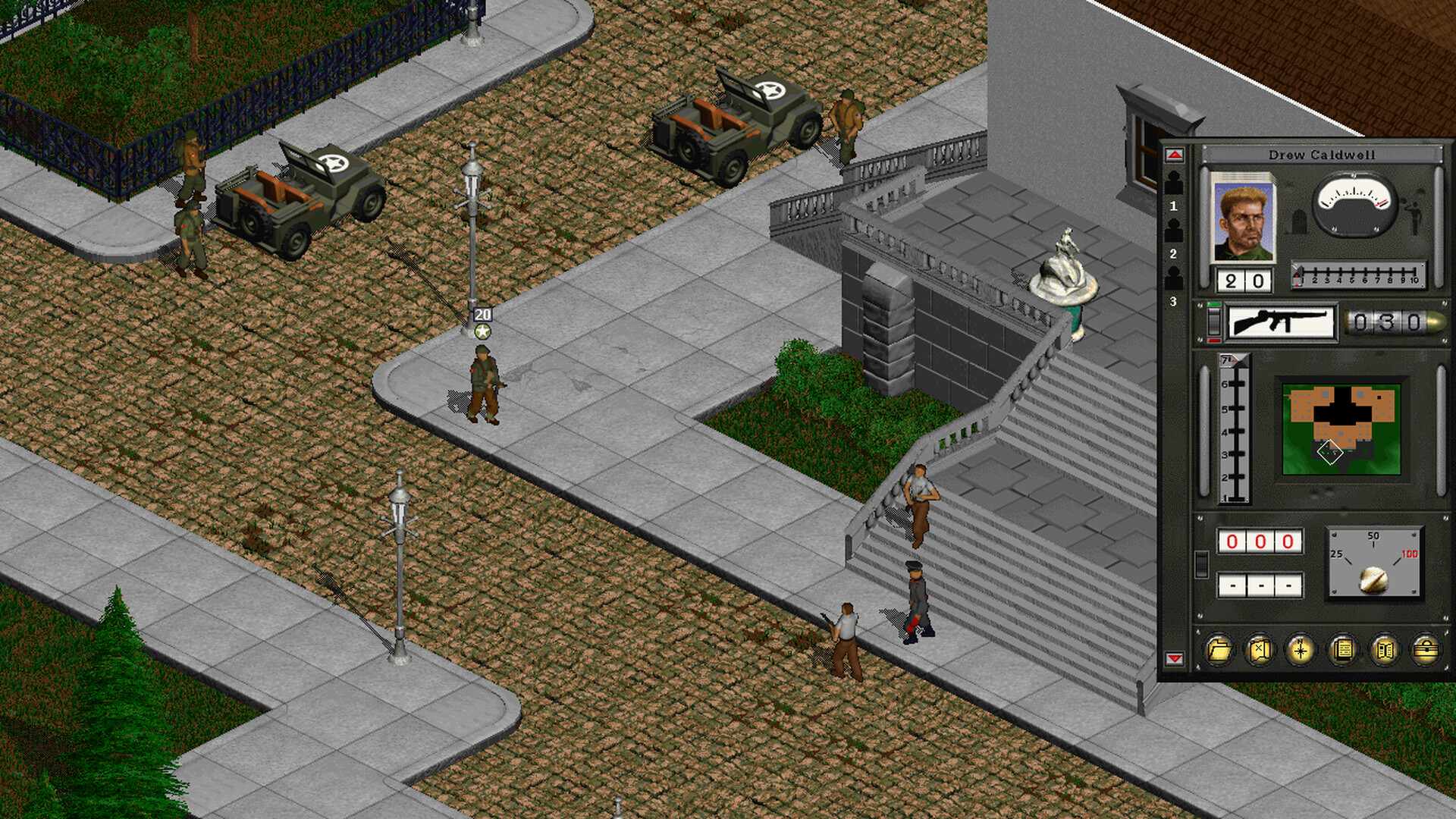
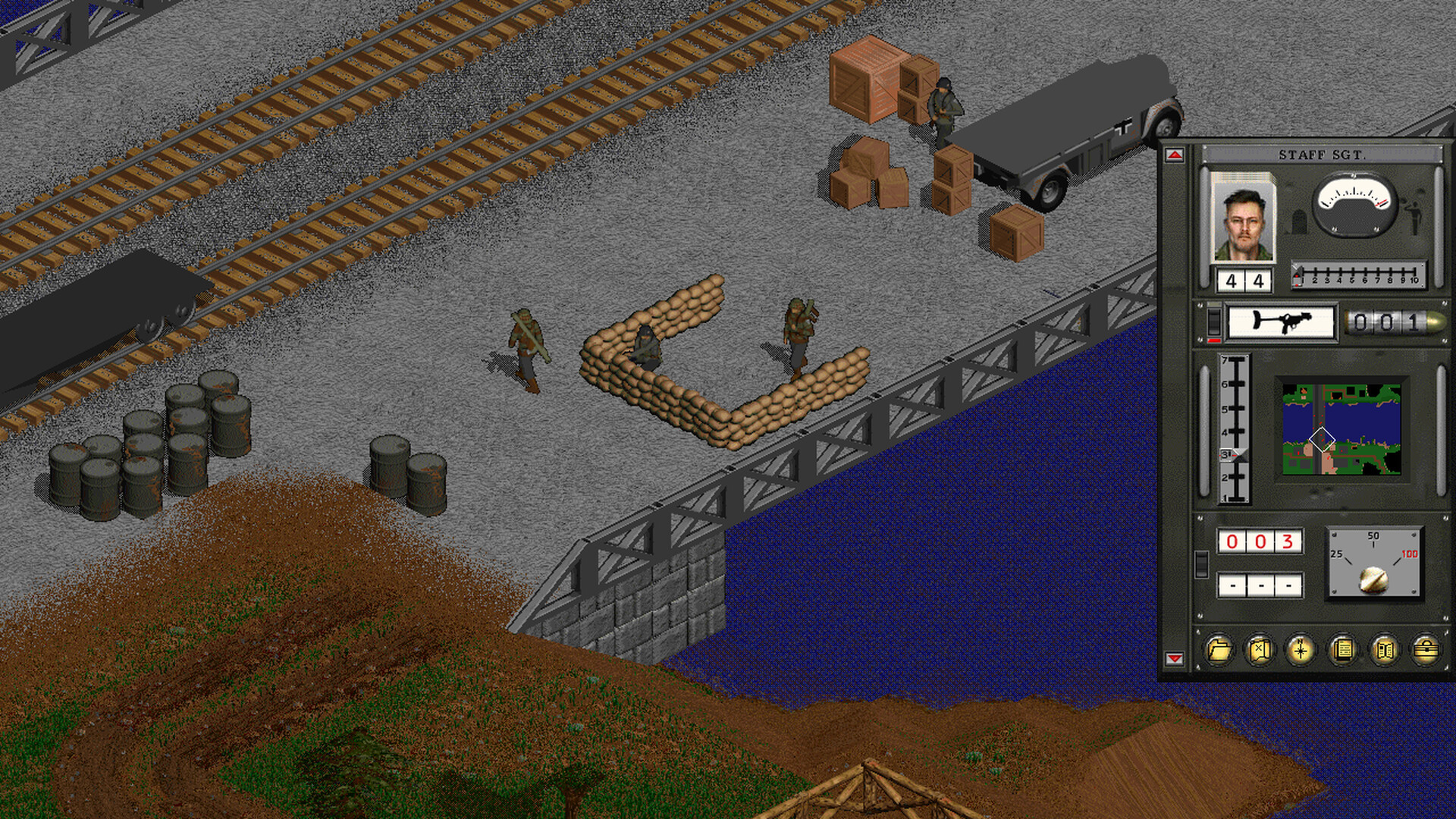
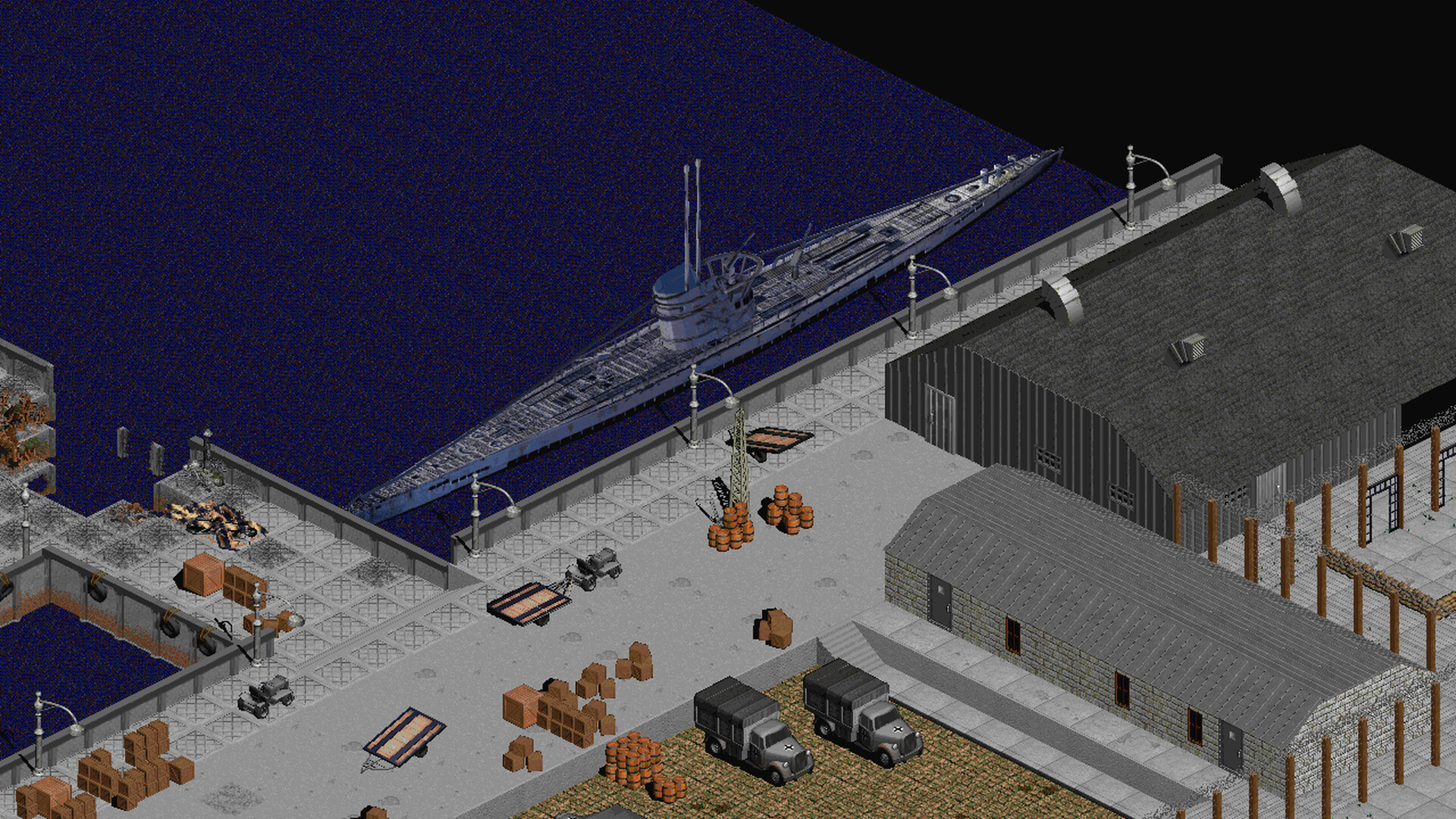
Soldiers at War is turn-based, squad-level combat with all the heroism and action of a classic World War II movie. Lead a squad of 8 men through a hair-raising campaign of 18 linked scenarios. Experience D-Day and the assault on Monte Cassino. Execute commando raids and fight fierce house-to-house battles in blasted cities like Anzio and Cherbourg.
WHAT’S INSIDE THIS RELEASE
This edition updates Soldiers at War to run smoothly on modern Windows systems, delivering improved compatibility and performance. The game now supports 1280×720 widescreen resolution, with rendering improvements for smoother drawing. Steam Cloud saves and Steam Achievements have been added.
FEATURES
- Campaign of 18 scenarios includes D-Day, the assault on Monte Cassino and commando raids – such as taking out a V-2 rocket site
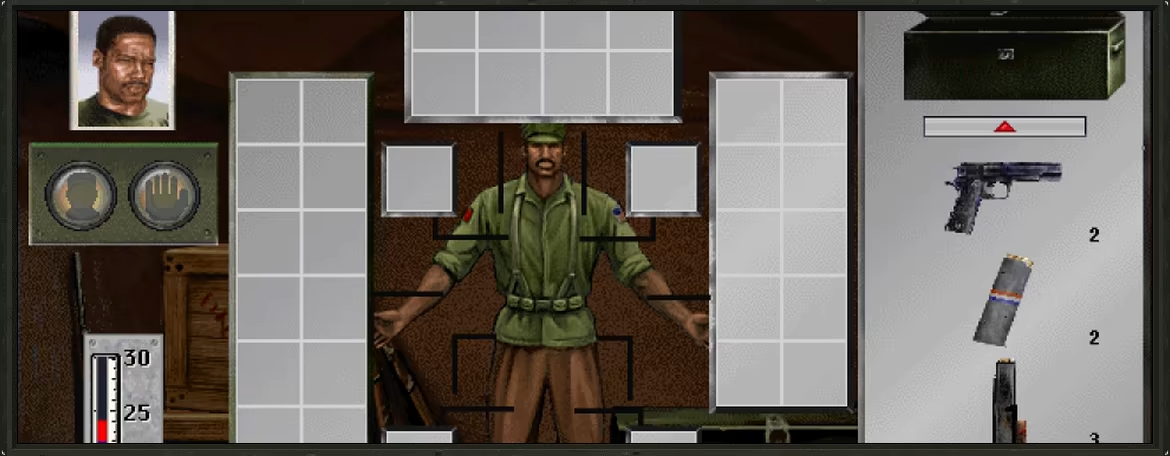
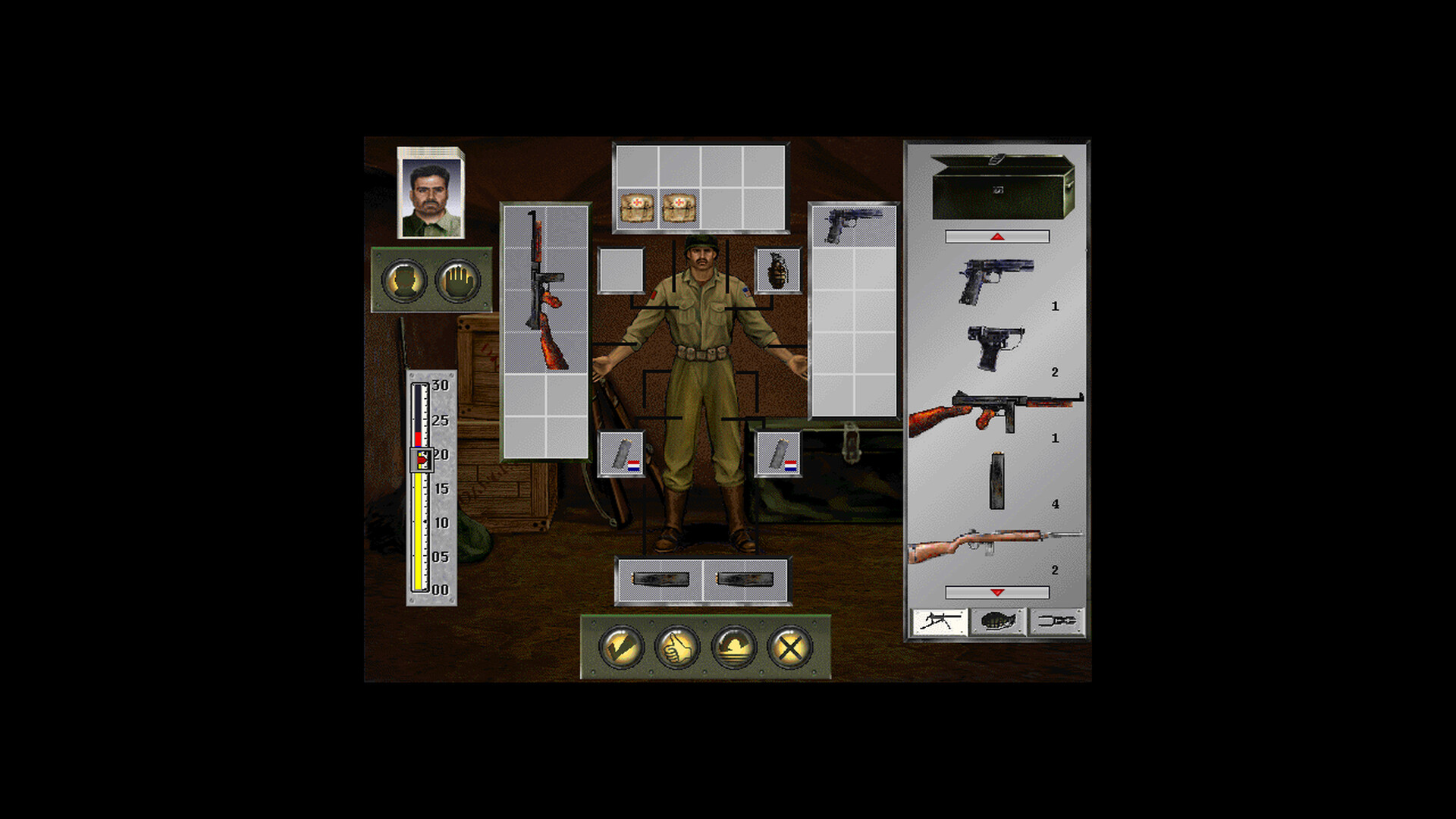
- Over the course of the campaign, your soldiers gain experience, rise in rank and earn medals
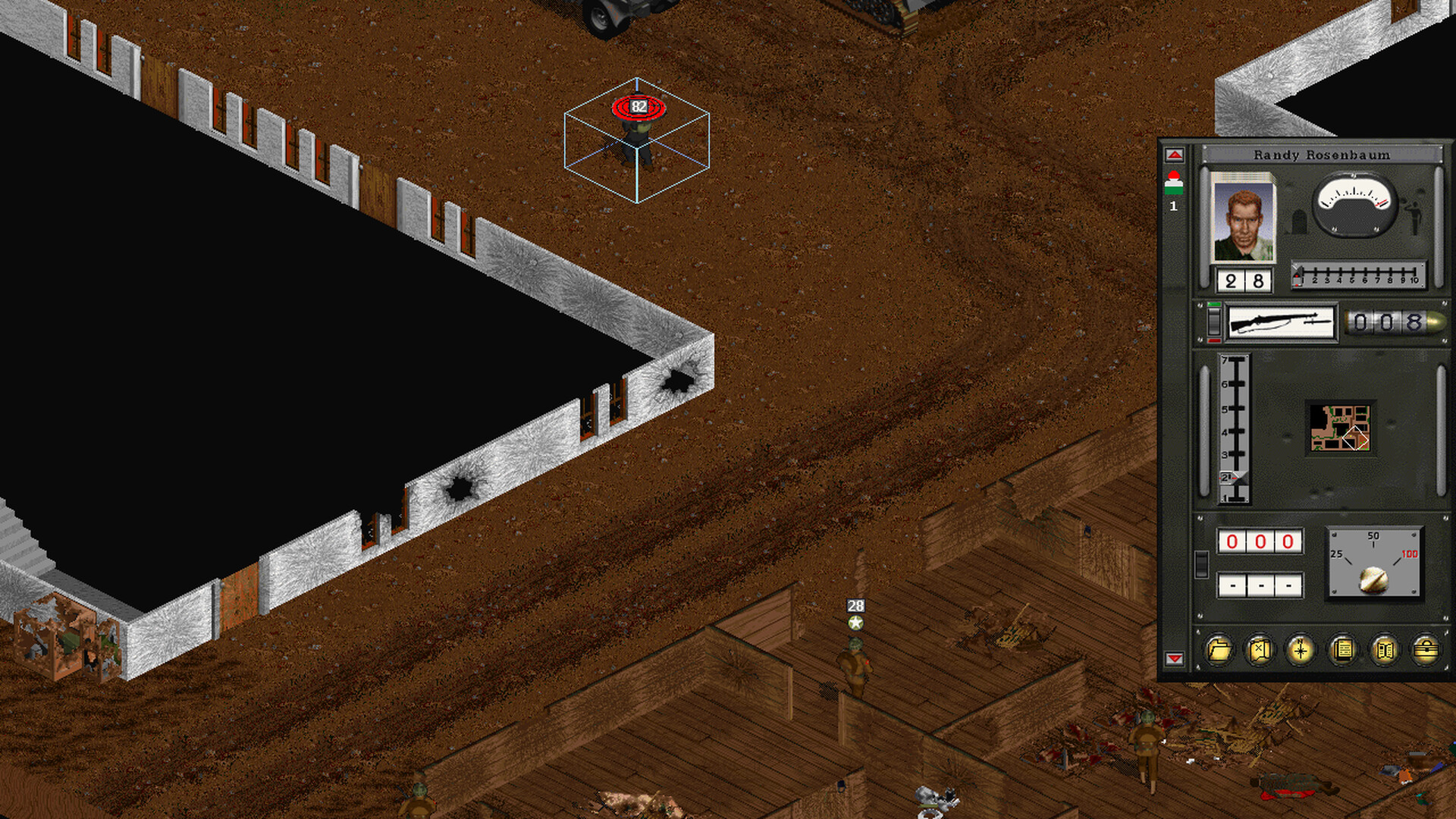
- Engage in fierce house-to-house fighting in blasted cities like Anzio and Cherbourg
- Historical weaponry includes bazookas, panzerfausts, flamethrowers, heavy machine guns, and more
- Extra standalone missions to play outside of the campaign
- Over 40 actions per soldier, from crawling and kicking in doors to climbing into disabled tanks and fighting hand-to-hand with your K-Bar
系统需求
最低配置:
- 操作系统: Windows 10/11
- 处理器: 1.8 GHz
- 内存: 2 GB RAM
- 显卡: DirectX 9.0c Compatible Graphics Card
- DirectX 版本: 9.0c
- 存储空间: 需要 1 GB 可用空间
- 声卡: DirectX Compatible
免责声明:本站提供的资源转载自国内外各大媒体和网络和网友分享,仅供试玩体验;不得将上述内容用于商业或者非法用途,否则,一切后果请用户自负。您必须在下载后的24个小时之内,从您的电脑中彻底删除上述内容。如果您喜欢该游戏内容,请支持正版,购买注册,得到更好的正版服务。我们非常重视版权问题,如有侵权请邮件与我们联系处理。